Heather Farris & Co.
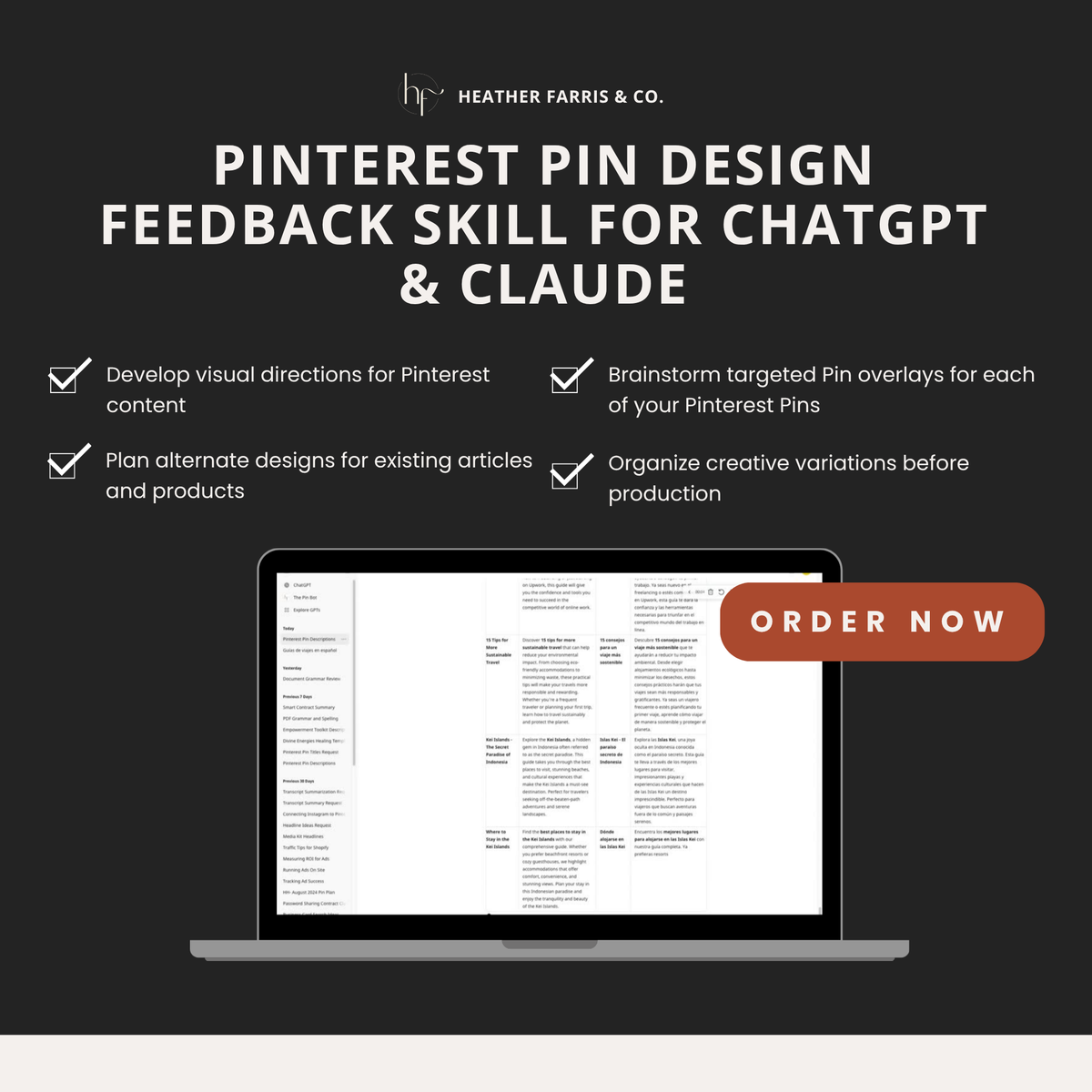
The Pin Design Feedback Skill for ChatGPT & Claude
The Pin Design Feedback Skill for ChatGPT & Claude
Couldn't load pickup availability
The Pin Design Feedback Skill
Get expert-informed feedback on your Pinterest Pin designs and fresh design ideas for the content you're already creating.
You don't need another tool telling you to make more Pinterest Pins. You need to know whether the Pins you're making communicate the right message.
The Pin Design Feedback Skill helps you review your existing Pinterest graphics, identify areas for improvement and brainstorm new design concepts based on your website and content.
Upload a Pin you've designed or share a link to your website. The skill helps you evaluate what you've created and figure out what to try next.
$67 | Digital AI Skill
Your Pinterest Pins can look good and still need work.
You've spent time choosing images, writing text overlays, adjusting fonts and arranging everything in Canva.
But when you finish a design, you might still wonder:
-
Is the text easy to read?
-
Does the headline make sense to someone who has never heard of my business?
-
Is the most important information getting enough attention?
-
Does this Pin communicate what someone will find when they click?
-
How could I design another Pin for this same piece of content without making it look exactly like the first one?
It's hard to evaluate your own designs when you've been staring at them for an hour.
And if you're creating Pinterest content for clients, you may want another perspective before submitting a batch for approval.
That's where The Pin Design Feedback Skill comes in.
Two ways to use The Pin Design Feedback Skill
1. Upload your Pinterest Pin and get design feedback
Already created a Pinterest graphic?
Upload it and ask the skill to review your design.
You can get feedback on:
-
Text overlays: Is your headline clear, relevant and easy to understand?
-
Visual hierarchy: Does the design draw attention to the most important information?
-
Readability: Are your fonts, text sizes and contrast working together?
-
Messaging: Does the Pin communicate a clear idea to your intended audience?
-
Layout and composition: Are the elements arranged in a way that supports the message?
-
Design improvements: What specific changes could make the Pin clearer or more effective?
Instead of simply asking AI whether your design looks good, you're using a Pinterest-focused review process to identify practical improvements.
Use the feedback to revise your Pin before you publish it.
2. Share your website and brainstorm Pinterest Pin designs
Not sure what to design next?
Give the skill your website URL, blog post, product page or another piece of content and ask it to suggest Pinterest Pin concepts.
Use it to explore:
-
Different text overlay ideas for the same URL
-
New ways to communicate the benefits of your content
-
Design directions for specific blog posts or products
-
Different visual approaches for your Pinterest content
-
Ideas for turning one piece of content into multiple distinct Pin designs
-
Opportunities to better connect your visuals with the content you're promoting
This is especially helpful when you're staring at a blank Canva template and trying to figure out what to put on it.
You bring the content. The skill helps you figure out how to present it on Pinterest.
How it works
Step 1: Open the skill in your supported AI platform.
Follow the included setup instructions to get started.
Step 2: Choose what you need help with.
Upload an existing Pin design for feedback, or provide a website URL to brainstorm new concepts.
Step 3: Review the recommendations.
Ask questions, request more detail or explore alternative design directions.
Step 4: Apply the feedback.
Use the suggestions to refine your graphics in Canva or your preferred design software.
You can repeat this process as you create new Pins.
Who is this skill for?
Business owners creating their own Pinterest Pins
Get a second perspective on your graphics without having to figure out every design decision on your own.
Pinterest managers and virtual assistants
Review your work, explore additional creative directions and prepare more intentional designs for clients.
Bloggers and content creators
Find new ways to turn existing articles, videos and other content into Pinterest graphics.
Ecommerce and digital product sellers
Explore visual concepts that communicate your products, their features and the reasons someone might want to learn more.
You don't need to be a professional graphic designer to use the skill. You do need to be willing to review its suggestions and make decisions about what fits your brand.
Why use a Pinterest-specific design feedback skill?
Generic design feedback often focuses on whether something looks attractive.
But Pinterest graphics also need to communicate an idea quickly, make the topic understandable and give someone a reason to explore the linked content.
A design can be beautiful without clearly explaining what it's promoting.
The Pin Design Feedback Skill brings Pinterest-specific considerations into the design review process so you can think beyond colors, fonts and whether a graphic looks pretty.
It's designed to support your judgment, not replace it.
Can it generate Pinterest graphics?
Yes. You can also ask the AI to generate graphics or explore visual concepts.
However, graphic generation isn't the primary purpose of this skill.
I created it to help you evaluate your own Pinterest designs, get specific feedback and come up with better creative directions for the content you're already promoting.
You can continue using Canva or whatever design tool you prefer.
Frequently asked questions
Do I need to know graphic design?
No. You can use the skill to better understand design choices and get suggestions for improving the graphics you create.
Can I use it with Canva?
Yes. You can create your Pins in Canva, upload the finished graphics for feedback and make your revisions in Canva.
Can I use it for client work?
Yes. Pinterest managers and service providers can use it to review designs and brainstorm creative directions for client content.
Will it design all my Pins for me?
It can help generate graphics, but the primary workflow is reviewing existing designs and developing new Pin design concepts. You'll still make the final creative decisions.
Can it review my website?
You can provide a website URL and ask for Pinterest design ideas based on its content. Website access depends on the browsing capabilities of your AI platform and whether the page is accessible.
Will using this skill increase my Pinterest traffic?
No specific results are guaranteed. The skill helps you evaluate and improve your creative work, but Pinterest performance depends on your content, keywords, audience, strategy and implementation.
Is this a digital product?
Yes. Nothing physical will be shipped.
Give your Pinterest designs a second look before you publish.
Whether you want feedback on a Pin you've already created or need fresh design ideas for your website content, The Pin Design Feedback Skill gives you a repeatable way to approach Pinterest creative work.
Get The Pin Design Feedback Skill for $67.
Trademark Disclaimer
ChatGPT is a trademark of OpenAI. Claude is a trademark of Anthropic. The Pin Design Feedback Skill is independently developed by Heather Farris & Co. and is not affiliated with, endorsed by or sponsored by OpenAI or Anthropic.
All trademarks are the property of their respective owners.